IM.codes
Two heads are better than one.
But minds in concert don't answer fate, they author it.
— IM.codes
IM.codes connects AI agents to coding sessions and to the computers where work happens. Enroll restricted Controlled Nodes so one agent—or a team—can directly operate multiple machines through scoped commands, file transfer, and Computer Use. When a person needs to see or take over, supported Windows nodes provide remote desktop from a browser or phone. Shared memory, OpenSpec Auto Deliver, managed MCP tools, supervision, and Team audit keep the whole workflow connected.
app.im.codes is a shared test instance with no uptime guarantees — it may be rate-limited, targeted, or unavailable. This is a personal project with no commercial support. For anything beyond evaluation, deploy on your own infrastructure.
controlled nodes · AI remote desktop
Turn supported computers into AI-operated nodes without making every machine a full IM.codes source server.
- One AI—or a team of agents—can directly operate multiple enrolled computers to get work done.
- Run scoped commands, transfer individual files, and control desktop apps through typed Computer Use.
- Open supported Windows nodes from a browser or phone for human viewing and remote control.
- Independent credentials and owner-controlled execution keep every node scoped and revocable.
screenshots
Desktop
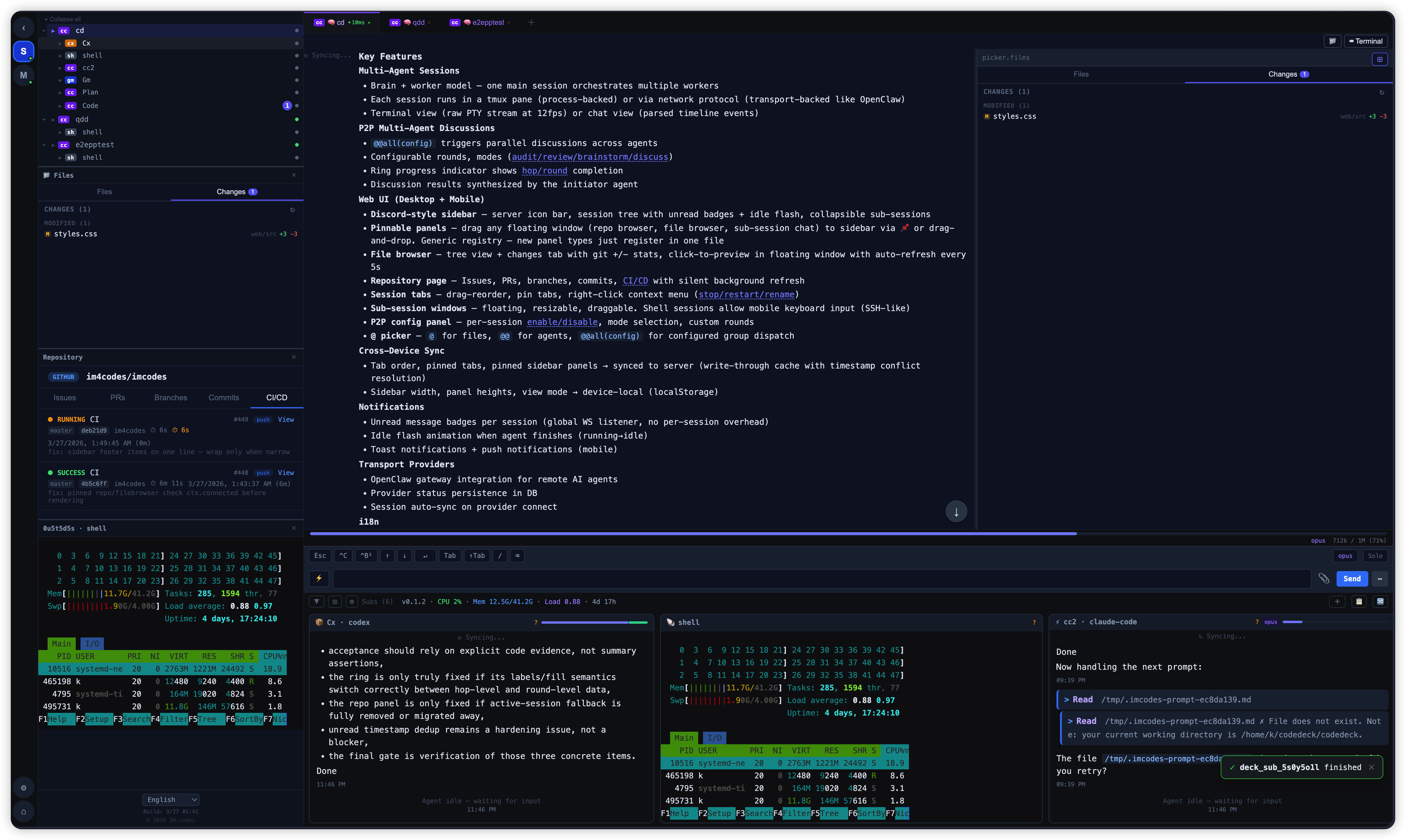
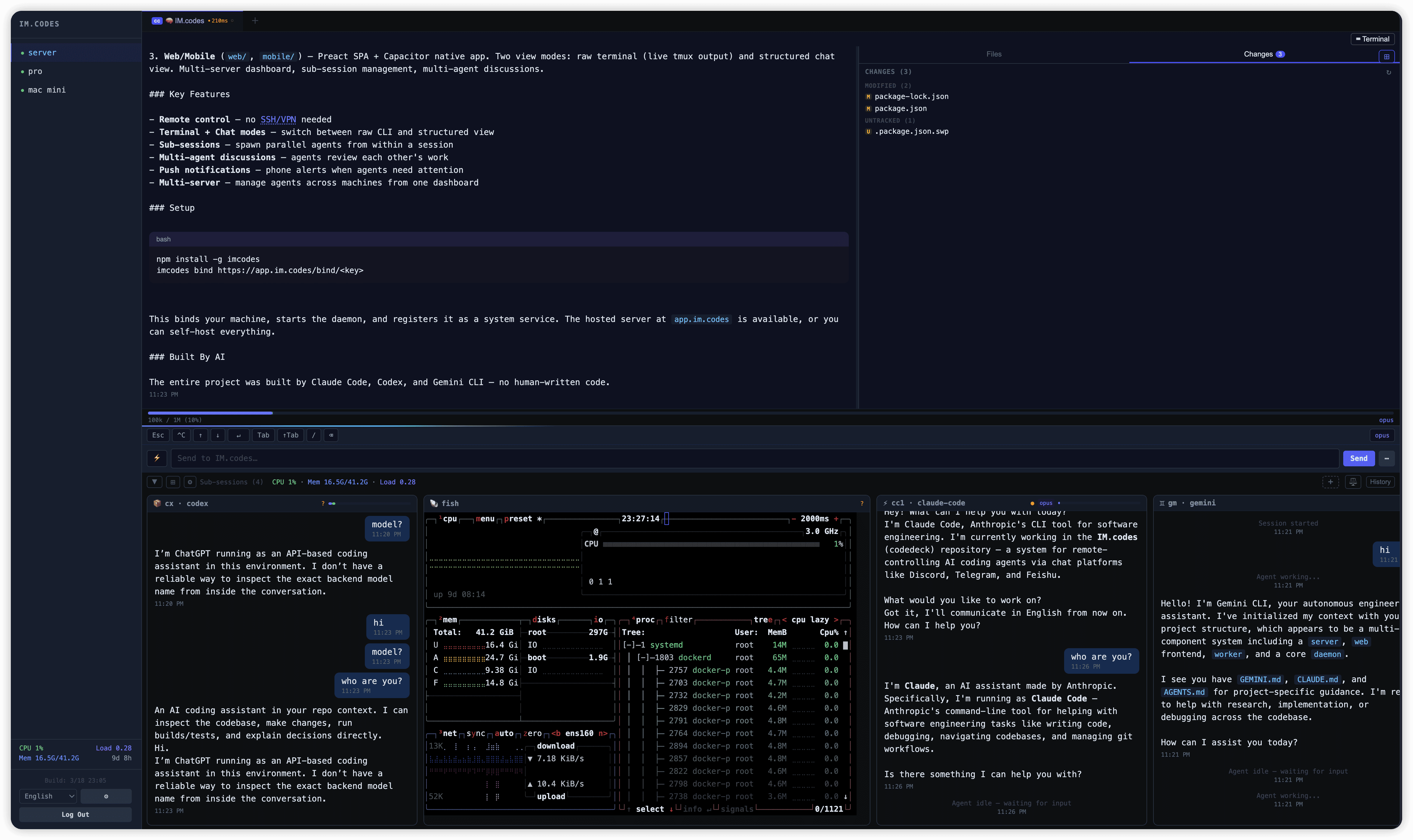
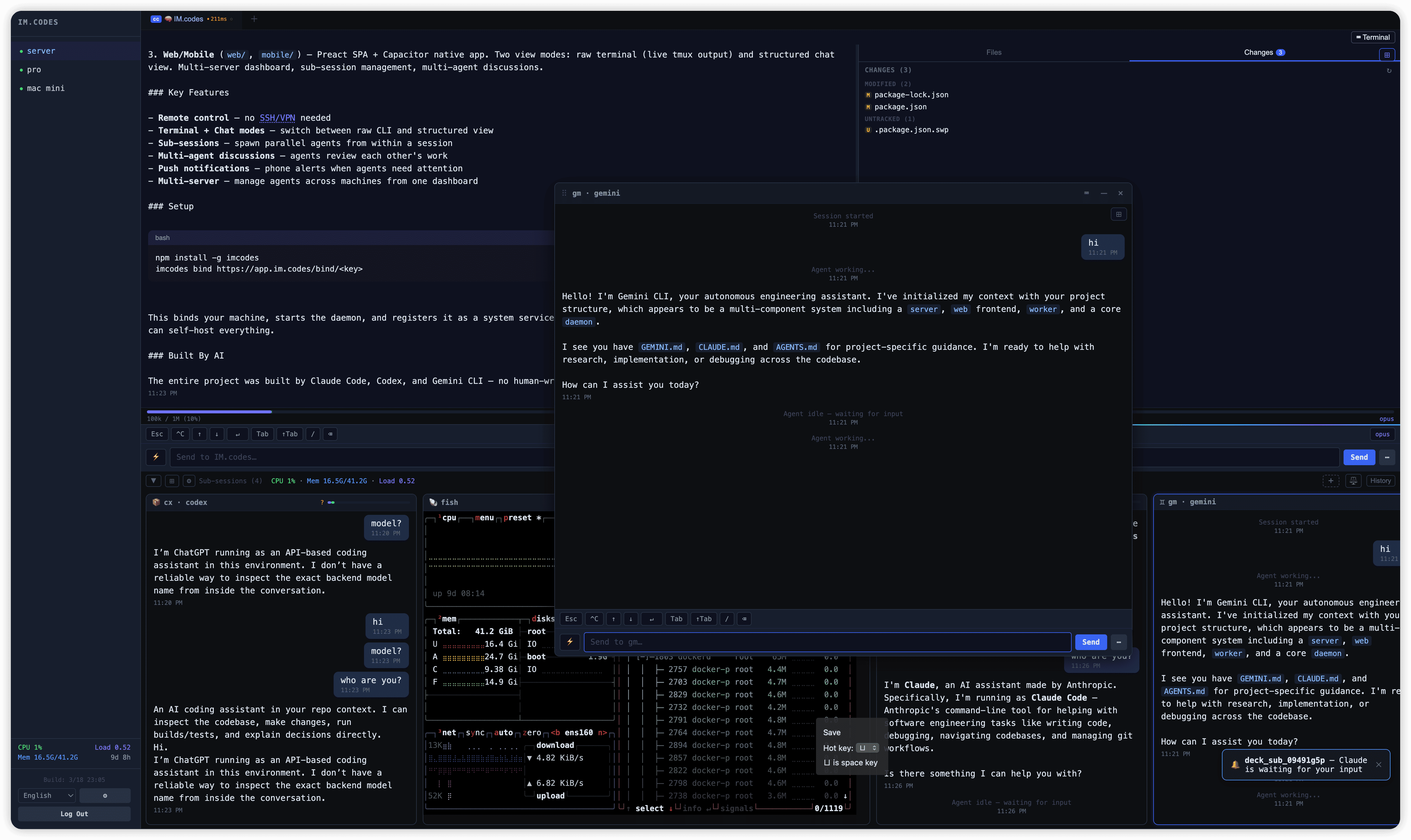
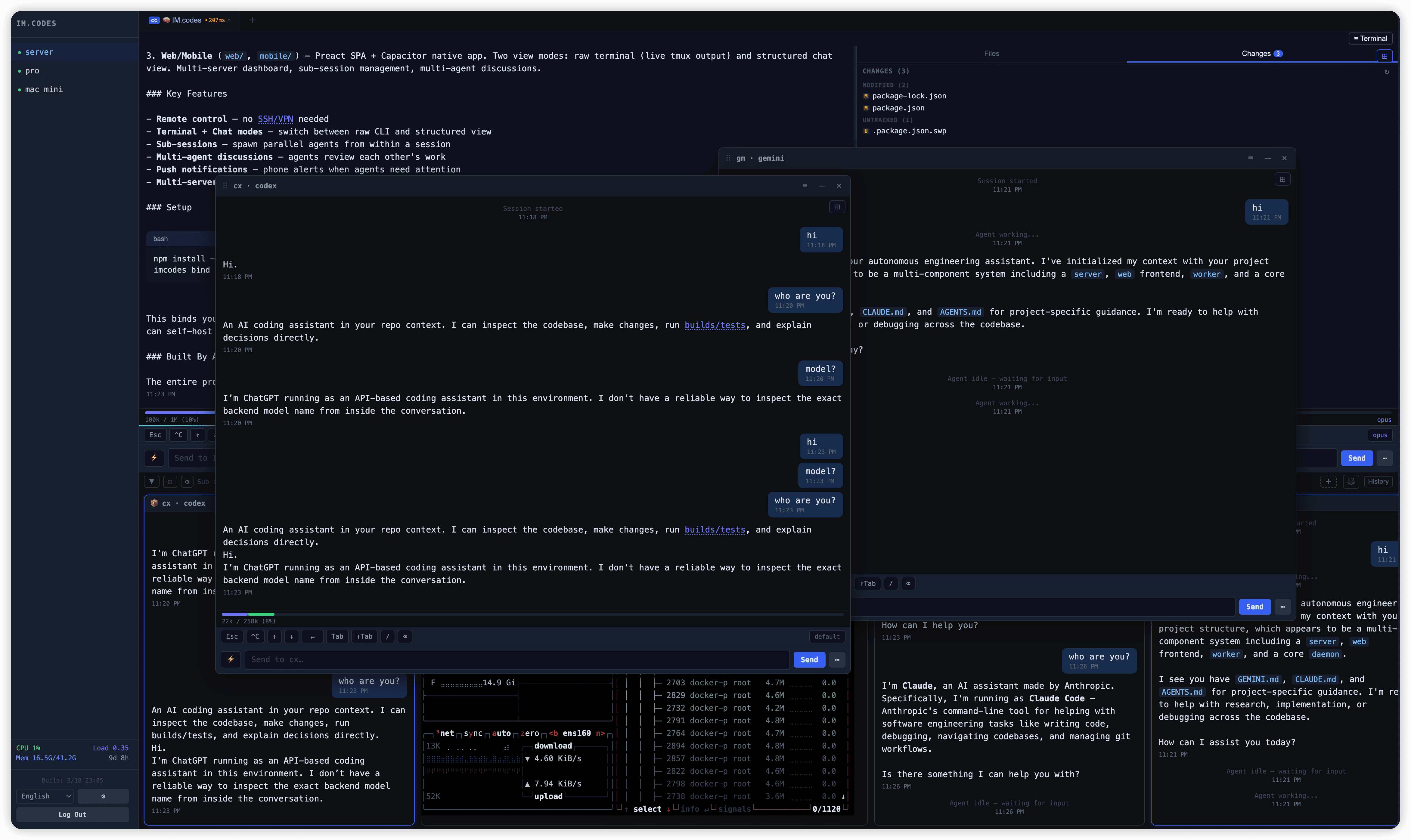
iPad / Tablet
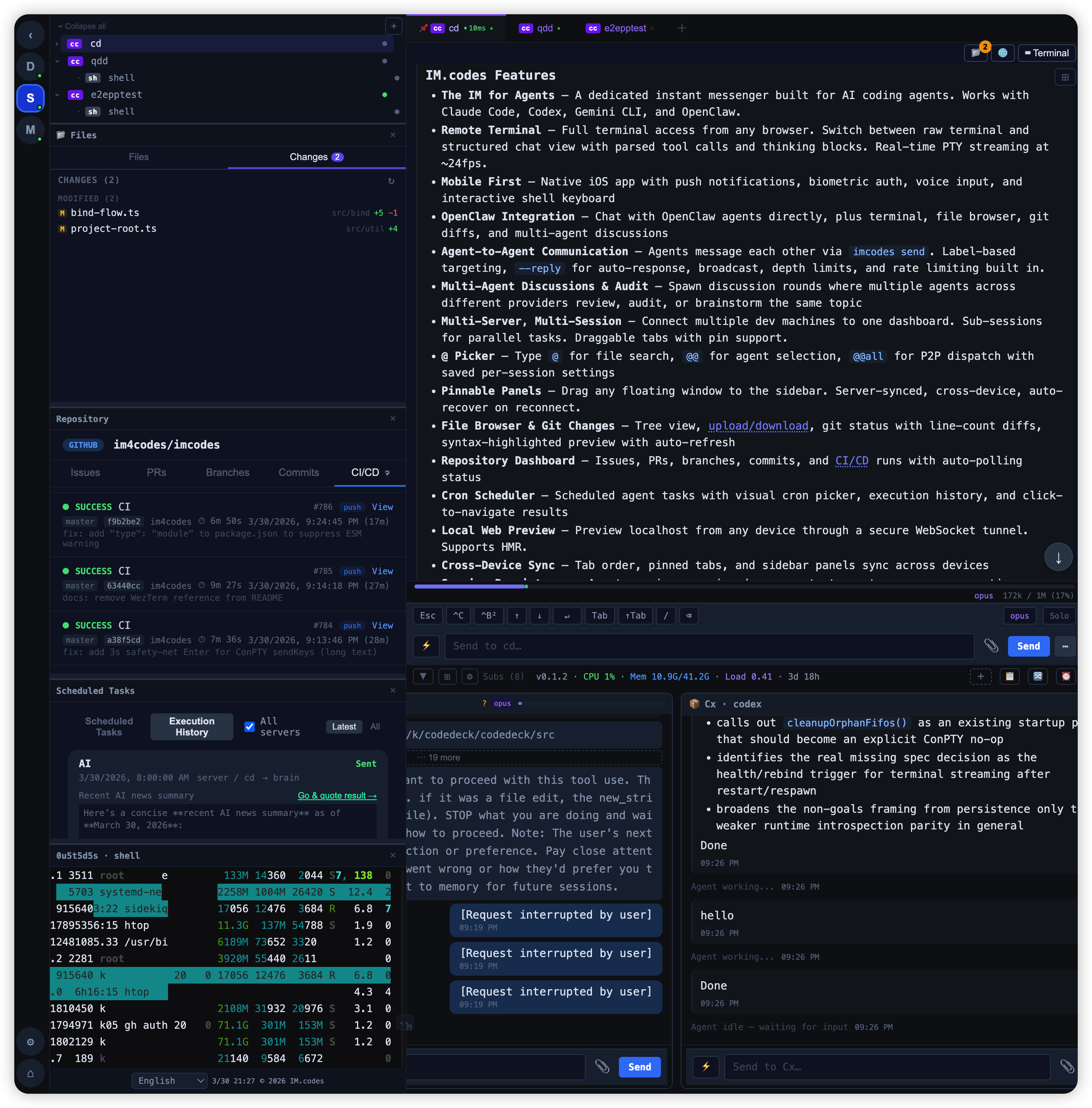
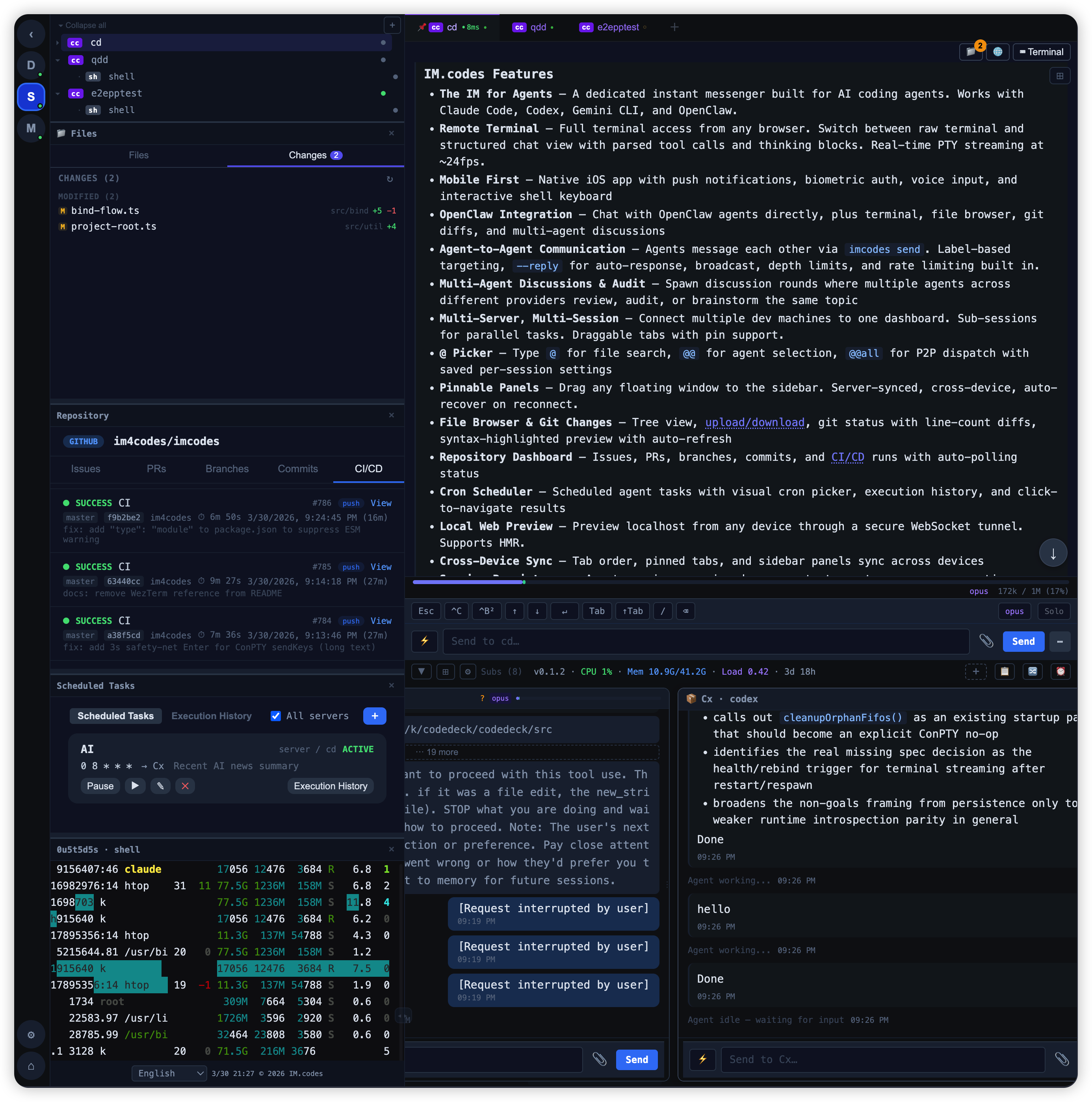
Mobile
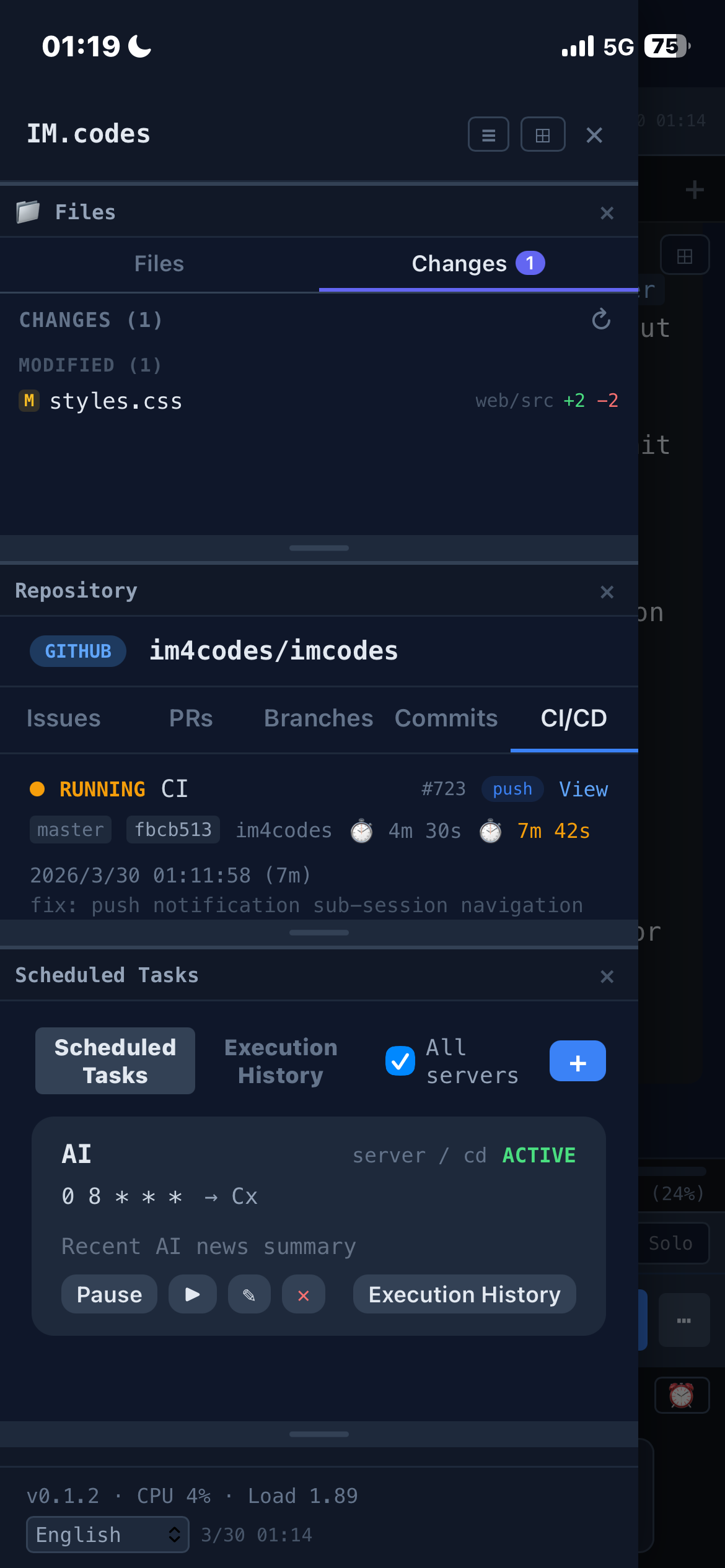
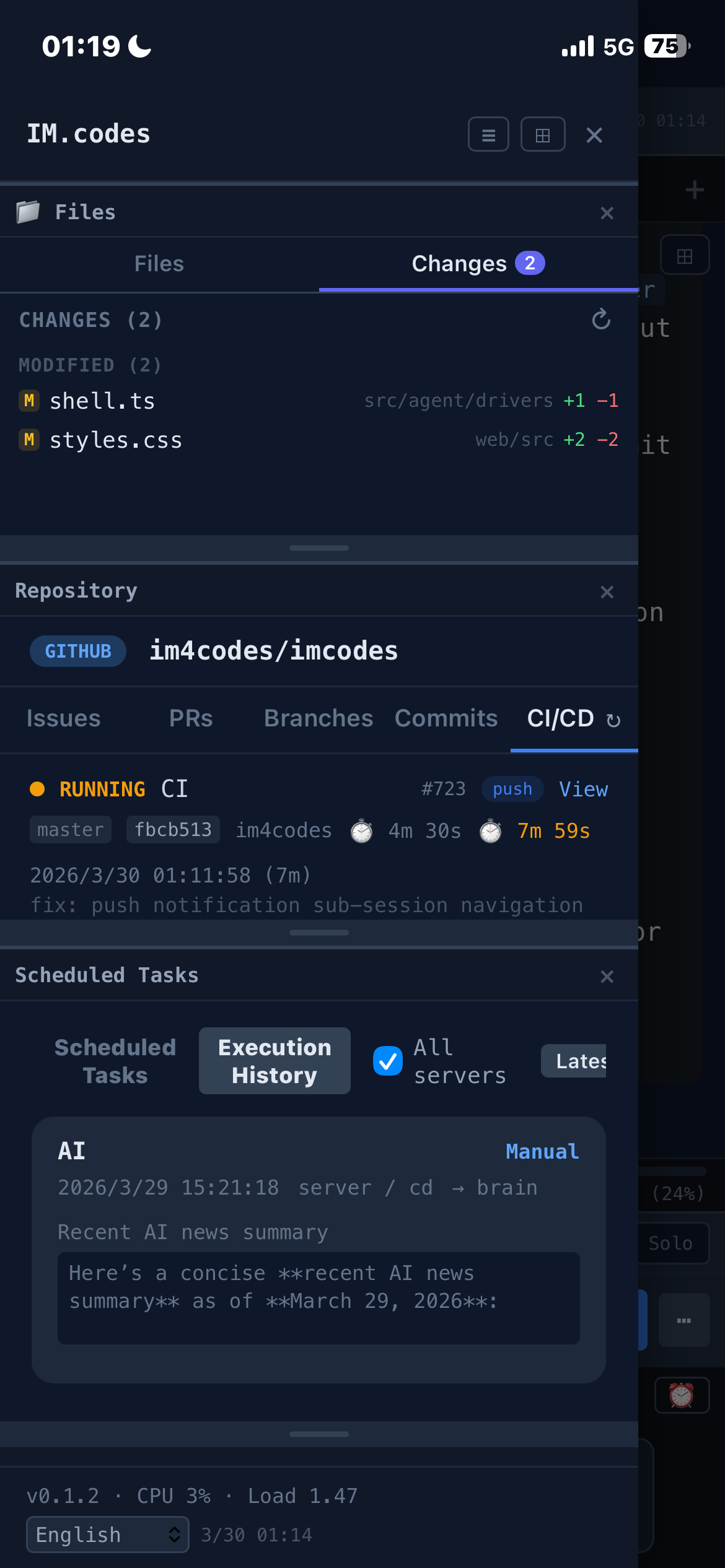
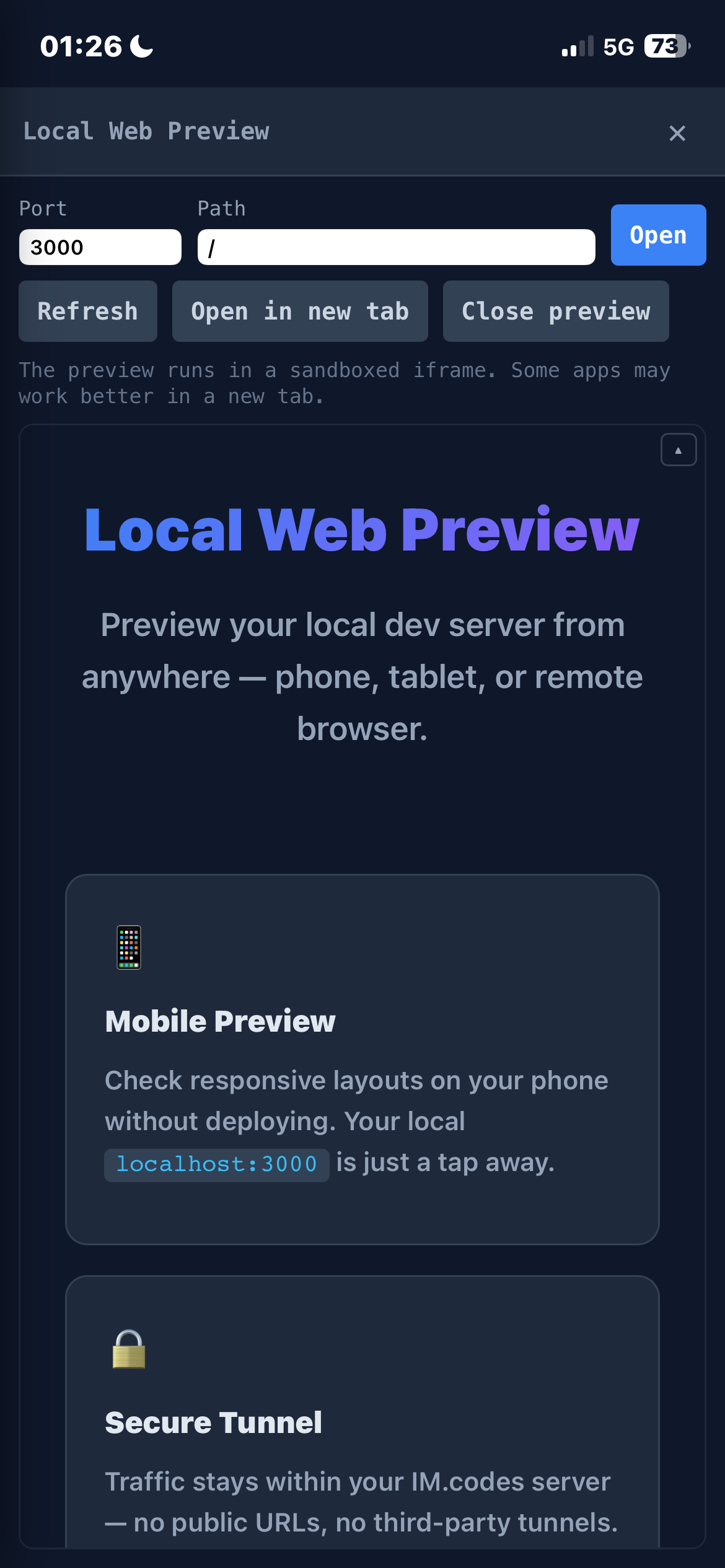
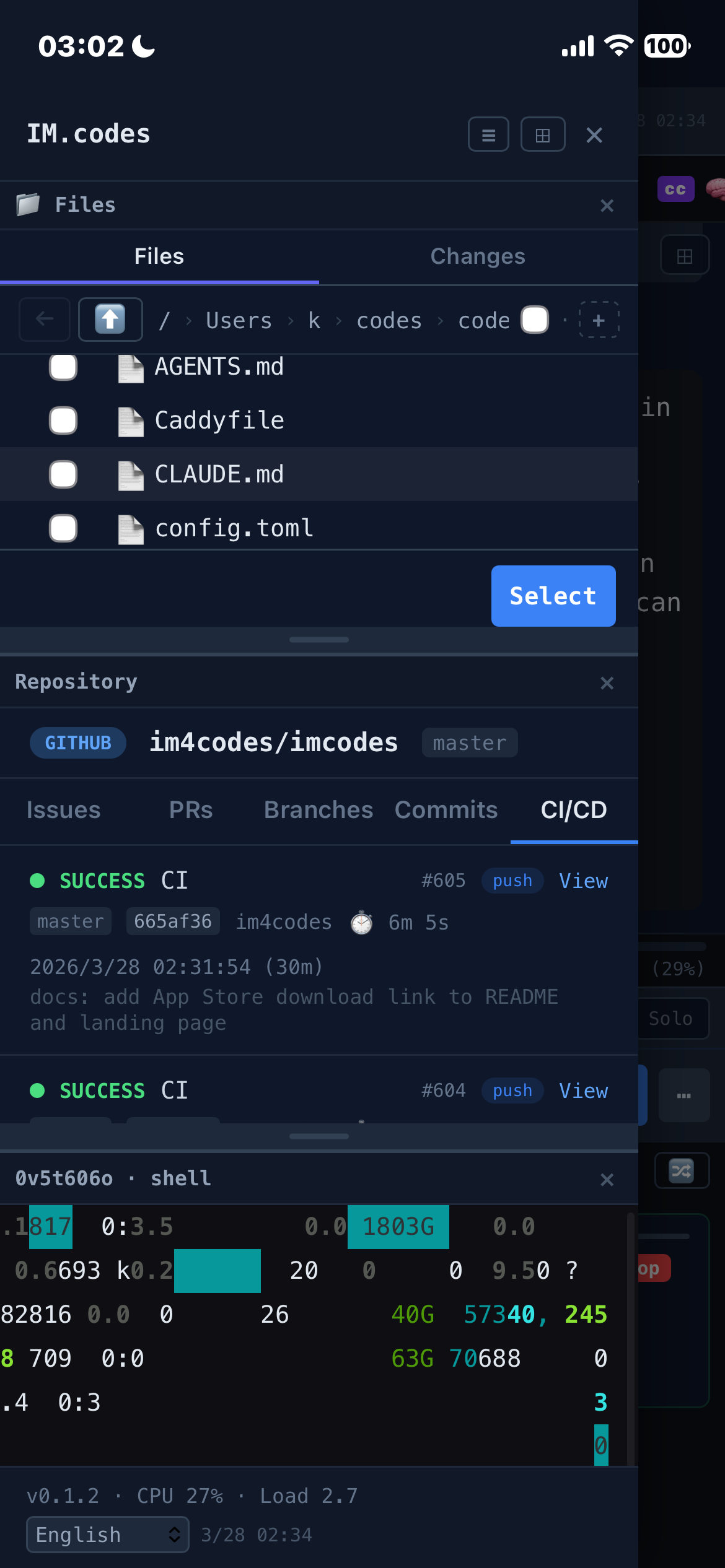
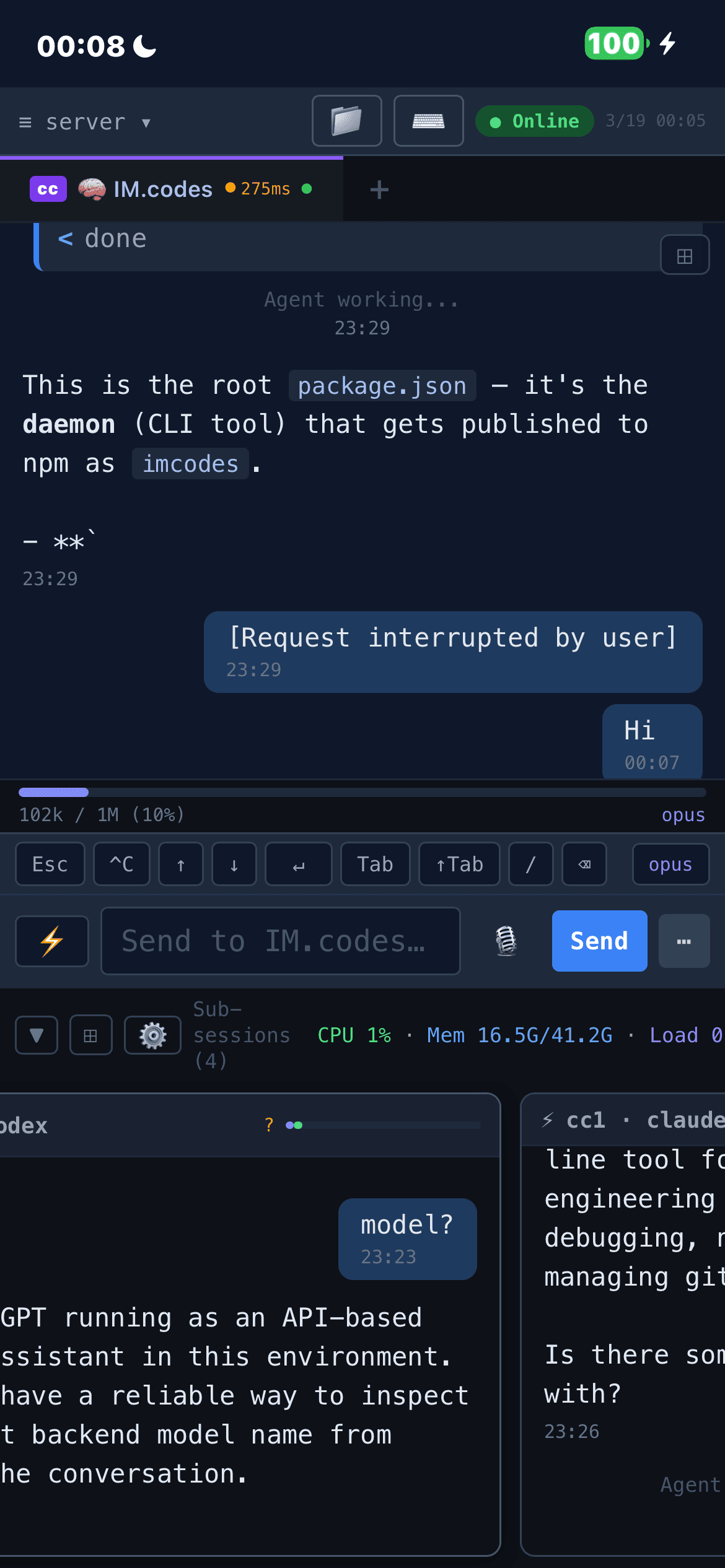
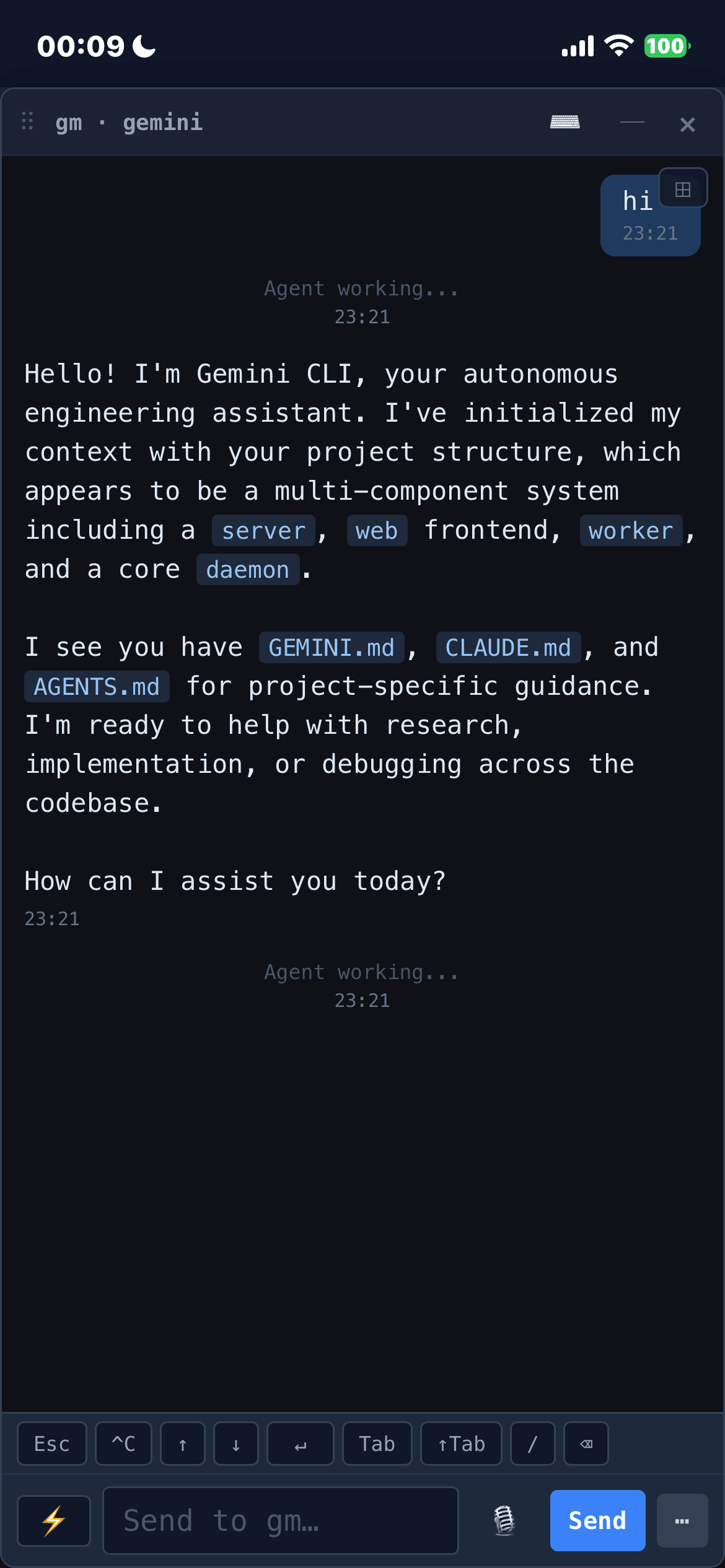
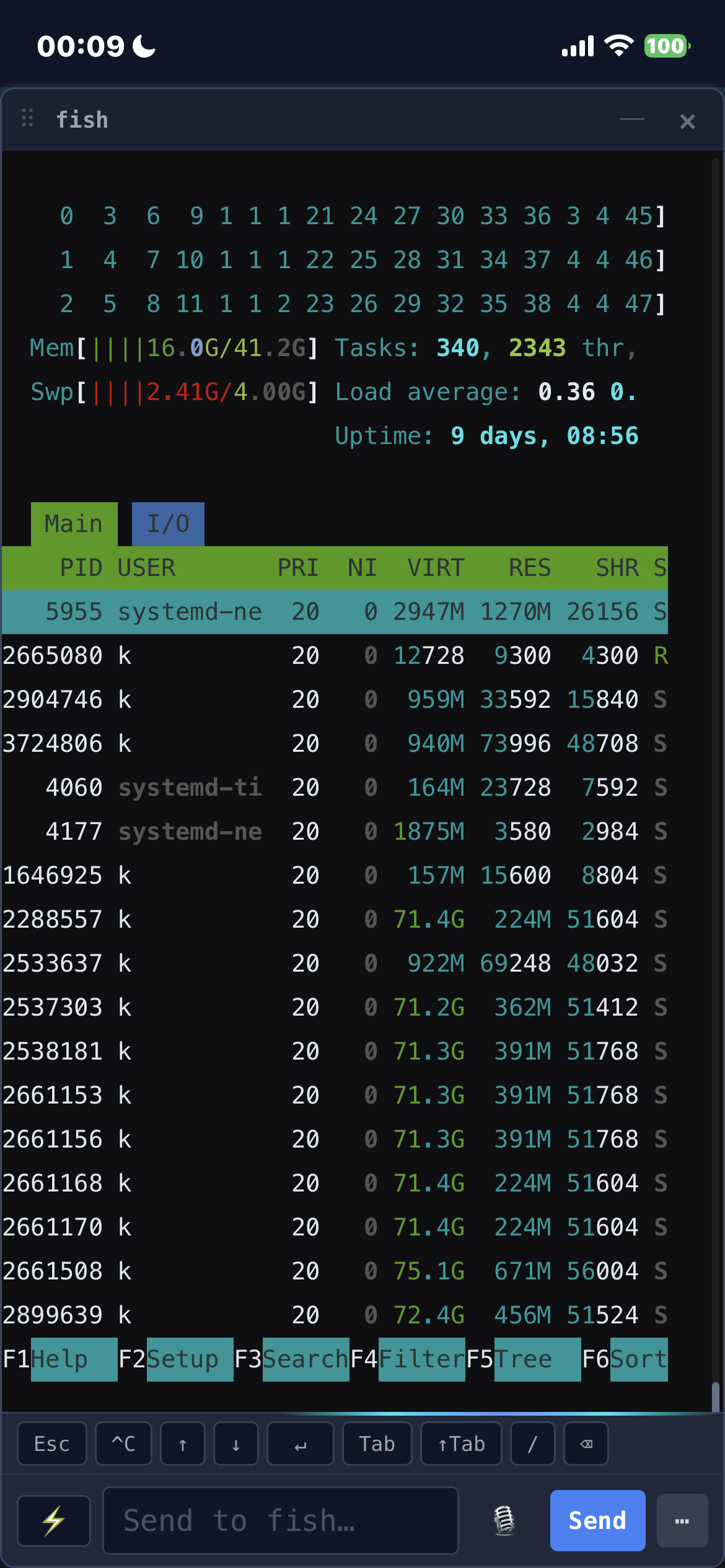
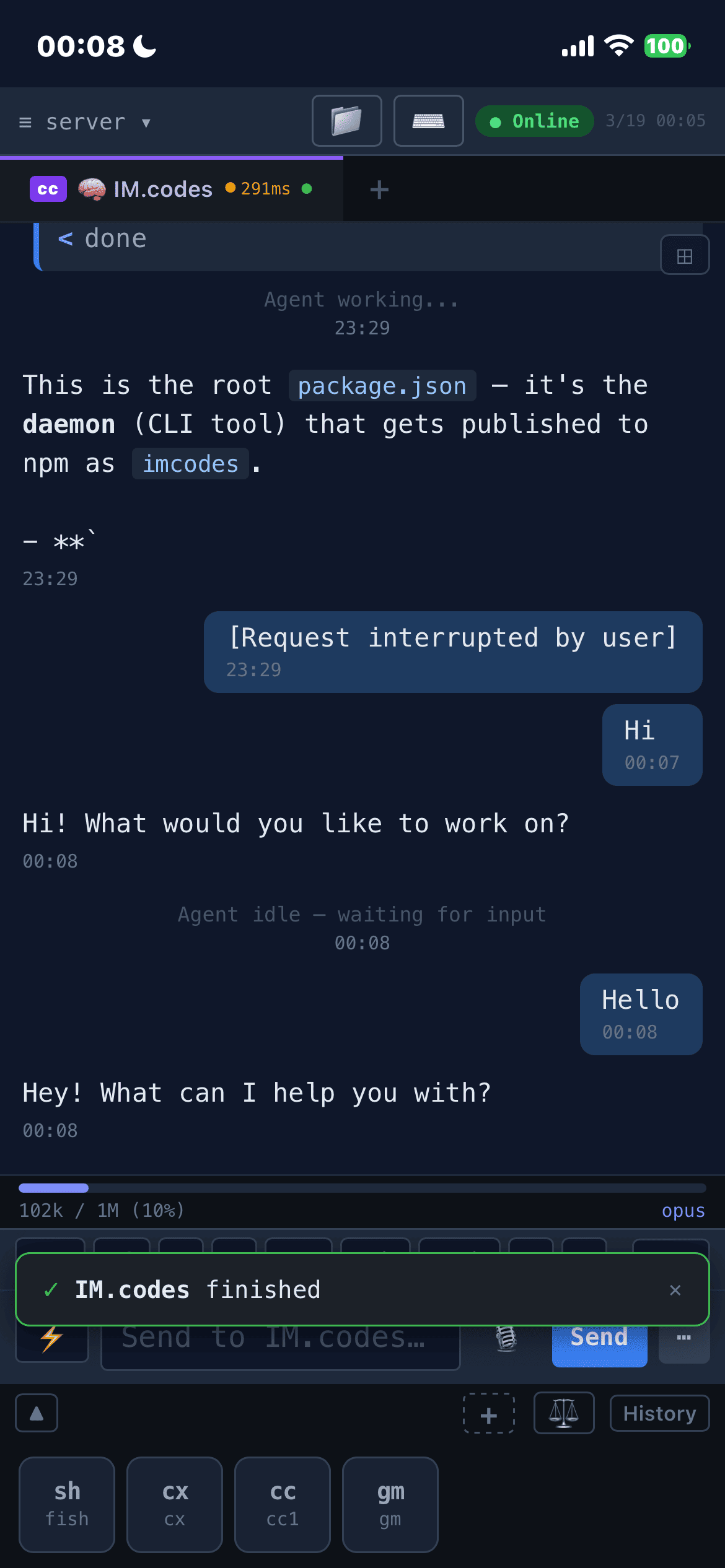
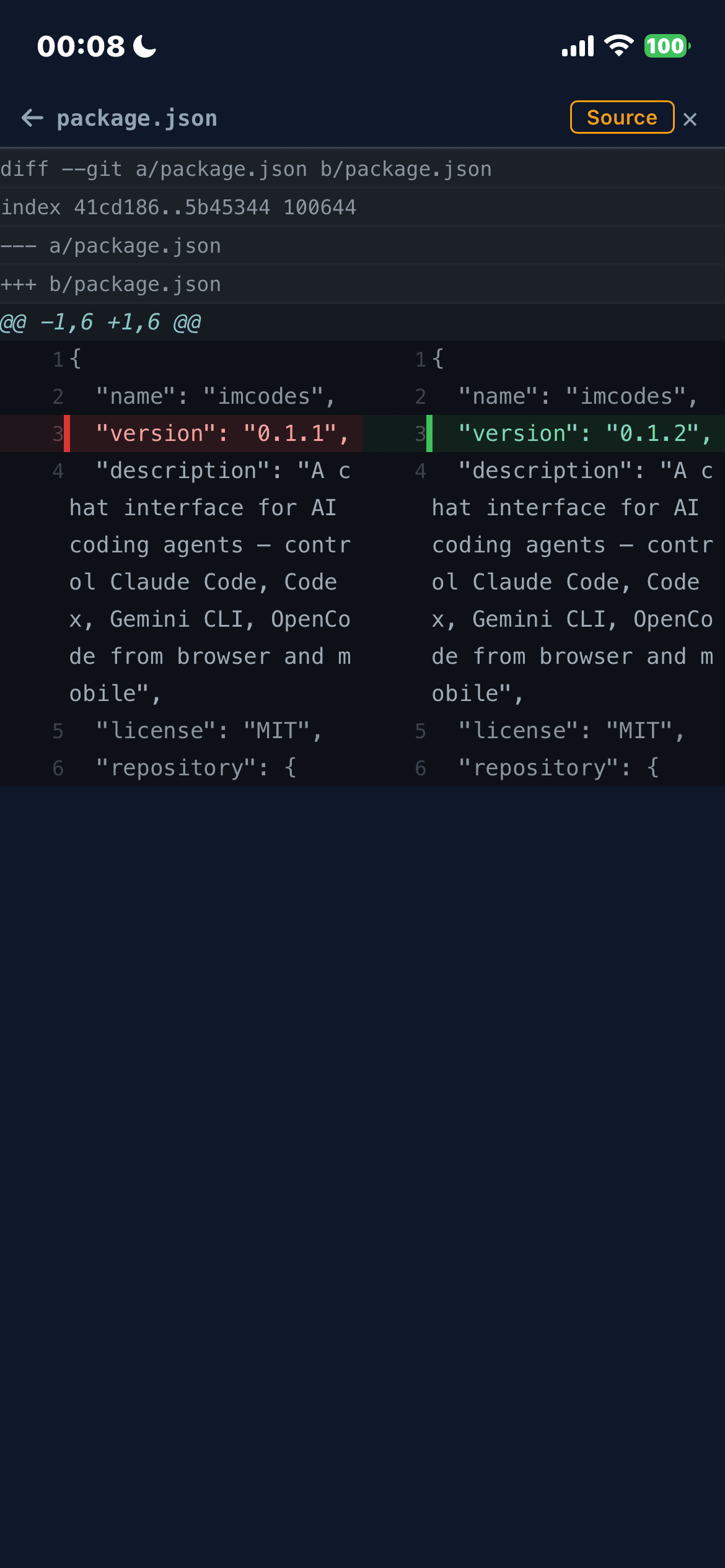
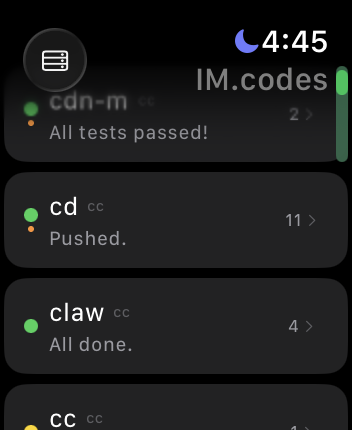
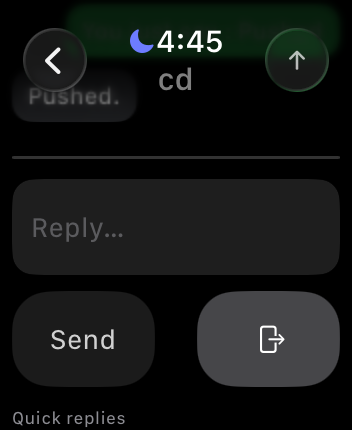
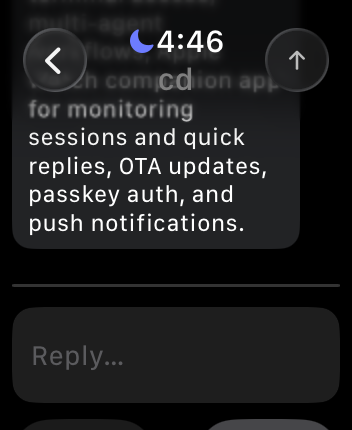
Apple Watch
why
When you leave your desk, most coding-agent workflows fall apart. The agent is still running in a terminal, but continuing usually means SSH, tmux attach, remote desktop, or waiting for your laptop. That is only half the problem. Hard agent work also needs better judgment: one model can fall into patterns, miss issues, or lose context when you switch providers. IM.codes pairs always-reachable sessions with shared memory for summarized completed work and structured Team cross-model review, so multiple agents can challenge plans before code lands. It does not make output perfect, but it reduces single-model blind spots while keeping the work continuous.
shared agent context
IM.codes keeps a searchable memory of solved work — structured problem→solution summaries instead of raw prompt logs. Relevant history is recalled automatically for new prompts and session startup, and every injection stays visible in the timeline.
- Personal memory stays local by default, with optional cloud sync for processed summaries across your devices.
- Enterprise shared context lets teams reuse fixes across workspaces and projects with queryable memory, stats, and inspection UI. It is still under active development and has not been fully production-tested yet.
- Multilingual recall uses local embeddings plus pgvector-backed server search, so related fixes can be found across different languages.
- Timeline cards show exactly what was injected, with relevance score, recall count, and last-used metadata.
managed MCP tools
Supported SDK-backed agents receive a daemon-managed stdio MCP server with one runtime-scoped surface for memory, agent messaging, and scheduled follow-ups, without raw auth tokens or ad hoc shell commands.
search_memoryrecalls prior work, decisions, preferences, bugs, commits, deployments, and discussed context, returning compact summaries plusprojectionIdvalues.get_memory_sourcesexpands a relevant memory hit into provenance snippets when exact prior instructions, bug details, or source evidence matter.save_observationandsave_preferencepersist useful facts and stable user preferences.send_list_targetsandsend_messagelet agents discover sibling sessions and send scoped text, file references, replies, or broadcasts.cron_create,cron_list,cron_update, andcron_deletemanage future structured sends for reminders, recurring checks, delegated reviews, and follow-ups.- Runtime-bound identity prevents forged namespace, user, server, token, or routing fields; provider-level ready/degraded status and redacted recent calls stay visible in the UI.
OpenSpec Auto Deliver
Turn an OpenSpec change folder into a supervised delivery run: proposal/spec audit, implementation, validation hints, Team audit/rework, automatic scoring, and a visible final handoff.
- One-click launch resolves the owning session, reads
tasks.md, locks the Team lane, and keeps live progress in the UI. - Spec audit can run before implementation through the normal Team flow, using authoritative JSON instead of trusting chat summaries.
- Implementation prompts stay focused on the selected OpenSpec change and surface safe validation command candidates from project manifests.
- Automatic module scoring rates
spec,tasks,implementation,tests, andriskwith evidence visible in run details. - Fail-closed gates ask for human input on bad audit output, exhausted limits, manual interference, or unreadable tasks. Auto Deliver never stages, commits, or pushes code.
collaborative coding
Share a live tab, sub-session, or whole source server as a scoped collaborative workspace.
- Viewer access is for review; participant access can send prompts into covered sessions.
- Works for pair programming or small-group agent supervision, with actor labels and revocable access.
supervised execution
IM.codes can supervise supported transport sessions turn by turn instead of relying on blind auto-continue. Auto checks whether the latest turn is done, should continue, or should return control to you.
- Per-session Auto modes: Off, Supervised, and Supervised + audit.
- At the idle boundary, Auto can classify a turn as complete, continue, or ask_human, then dispatch the next continue prompt in the same session.
- Supervised + audit can run an audit→rework loop before handing control back, so finished work is reviewed instead of trusted blindly.
- Global defaults seed new sessions. Set a default supervisor backend, model, and timeout once — each session snapshots them at enable time and can still override backend/model/timeout and audit mode individually.
- Two-layer custom supervision instructions. Keep a global supervision persona plus a per-session addition — by default the two are concatenated into the prompt, or tick the session's “Override global” checkbox to ignore the global value for that session. Editing the global persona takes effect on already-enabled sessions on the next turn without re-enabling Auto.
what it is not
- Not another AI IDE
- Not just a chat wrapper
- Not just a remote terminal client
- Not a replacement for Claude Code, Codex, Gemini CLI, OpenClaw, or Qwen
- It is the messaging/control layer around them
features
architecture
The daemon runs on your dev machine and manages process-backed sessions through tmux plus transport-backed sessions through SDKs and network protocols. It also owns the managed MCP server for runtime-scoped memory, Send, and Cron tools. The server relays connections between your devices and the daemon. Everything stays on your infrastructure.
download
 Also available as a web app
install
$ curl -fsSL https://im.codes/install.sh | bash
> irm https://im.codes/install.ps1 | iex
quick start
- Use app.im.codes or self-host the server
- Run
imcodes bind https://app.im.codes/bind/<key> - Open the dashboard — your agents are live
openclaw connect
If OpenClaw is running on the same machine as the daemon, connect IM.codes to the local OpenClaw gateway with:
- Default gateway URL:
ws://127.0.0.1:18789 - Token auto-detected from
~/.openclaw/openclaw.json, or pass--token/OPENCLAW_GATEWAY_TOKEN - OpenClaw sessions and child sessions sync into IM.codes automatically
- Saved to
~/.imcodes/openclaw.jsonso the daemon can reconnect automatically - Use
imcodes disconnect openclawto remove the saved config
Only tested on macOS so far. Remote plain-text ws:// URLs require --insecure.
self-host
Deploy server + daemon on a single machine. Requires Docker and a domain with DNS pointing to the server.
Generates all config, starts PostgreSQL + server + Caddy with automatic HTTPS, creates admin account, and binds the local daemon. Credentials printed at the end.
To connect additional machines:
Manual setup:
Generated docker-compose.yml uses pgvector/pgvector:pg18 for PostgreSQL.
supported agents
Multiple agents support both CLI and SDK integrations.
requirements
- macOS, Linux, or Windows (native experimental; WSL fully supported)
- Node.js ≥ 22
- tmux (Linux/macOS/WSL). Windows native uses ConPTY (built-in). Multiple agents also support SDK-backed sessions.
about
Personal project. Built almost entirely by Claude Code, with contributions from Codex and Gemini CLI.
IM.codes is an independent open-source project and is not affiliated with, endorsed by, or sponsored by Anthropic, OpenAI, Google, Alibaba, OpenClaw, or any other company whose products are mentioned. All product names, trademarks, and registered trademarks are the property of their respective owners.